Android Enterprise · Operated in the Czech Republic
apki MDM – managing corporate Android phones
Manage corporate phones, rugged terminals, and kiosks from a single console. Built on Android Enterprise, operated by TTC apki in the Czech Republic.
Who is this for?
Phones That Are Designed to Do One Thing Well
For companies that have dozens to hundreds of business phones and need them to reliably perform a single task.
- Security Agencies
- Oil & Gas
- Logistics and Warehousing
- Stores and Reception Desks
What You'll Get
Everything you need to manage your company's devices in one place
Effortless enrollment
QR code, activation code, or zero-touch: The phone sets itself up automatically when turned on. As an authorized zero-touch reseller, we'll register your new devices for you.
Kiosk and Dedicated Devices
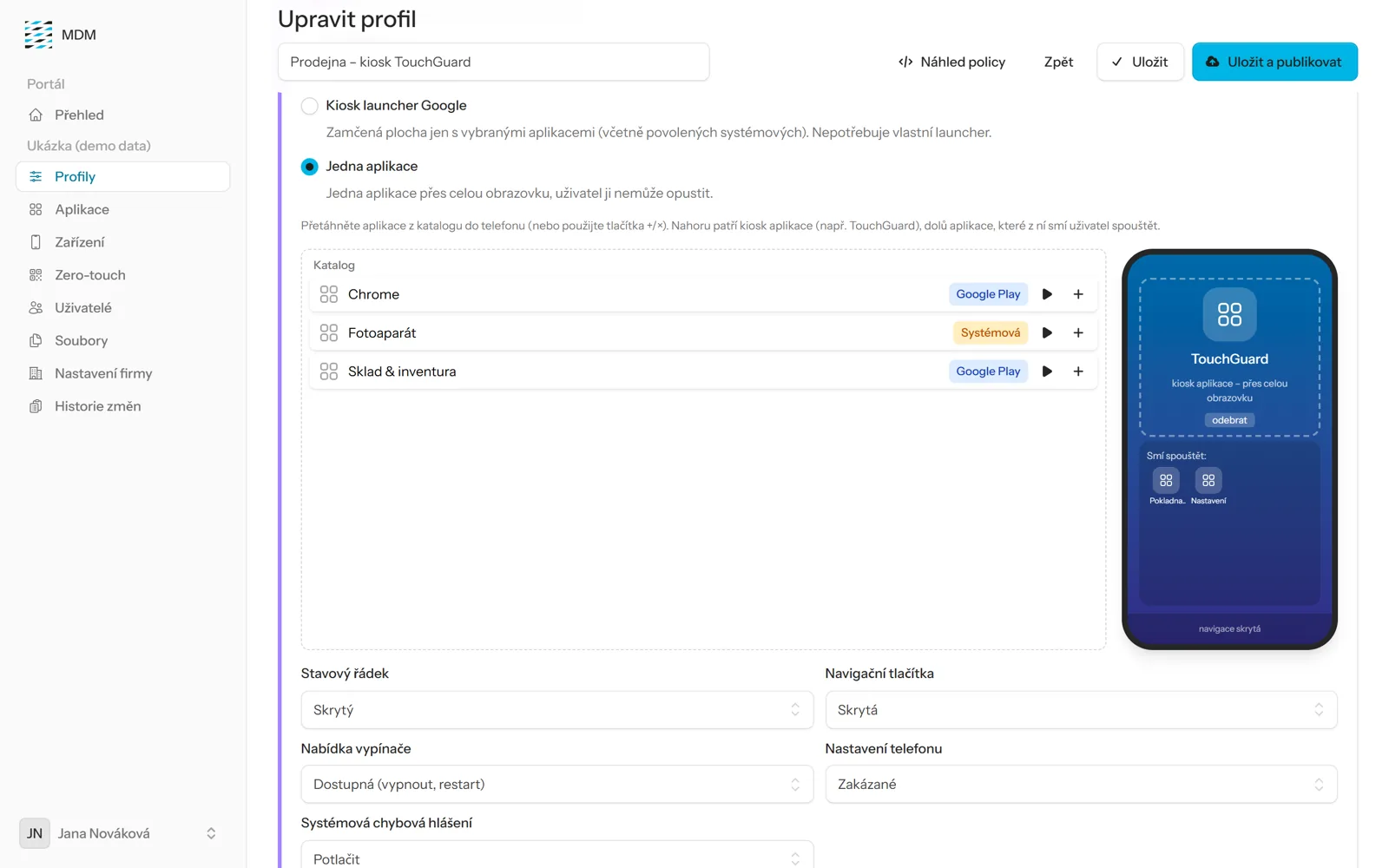
The phone is locked to a single app (e.g., TouchGuard) or a few approved apps; the status bar, navigation buttons, and power button are all under control.
Apps from Managed Google Play
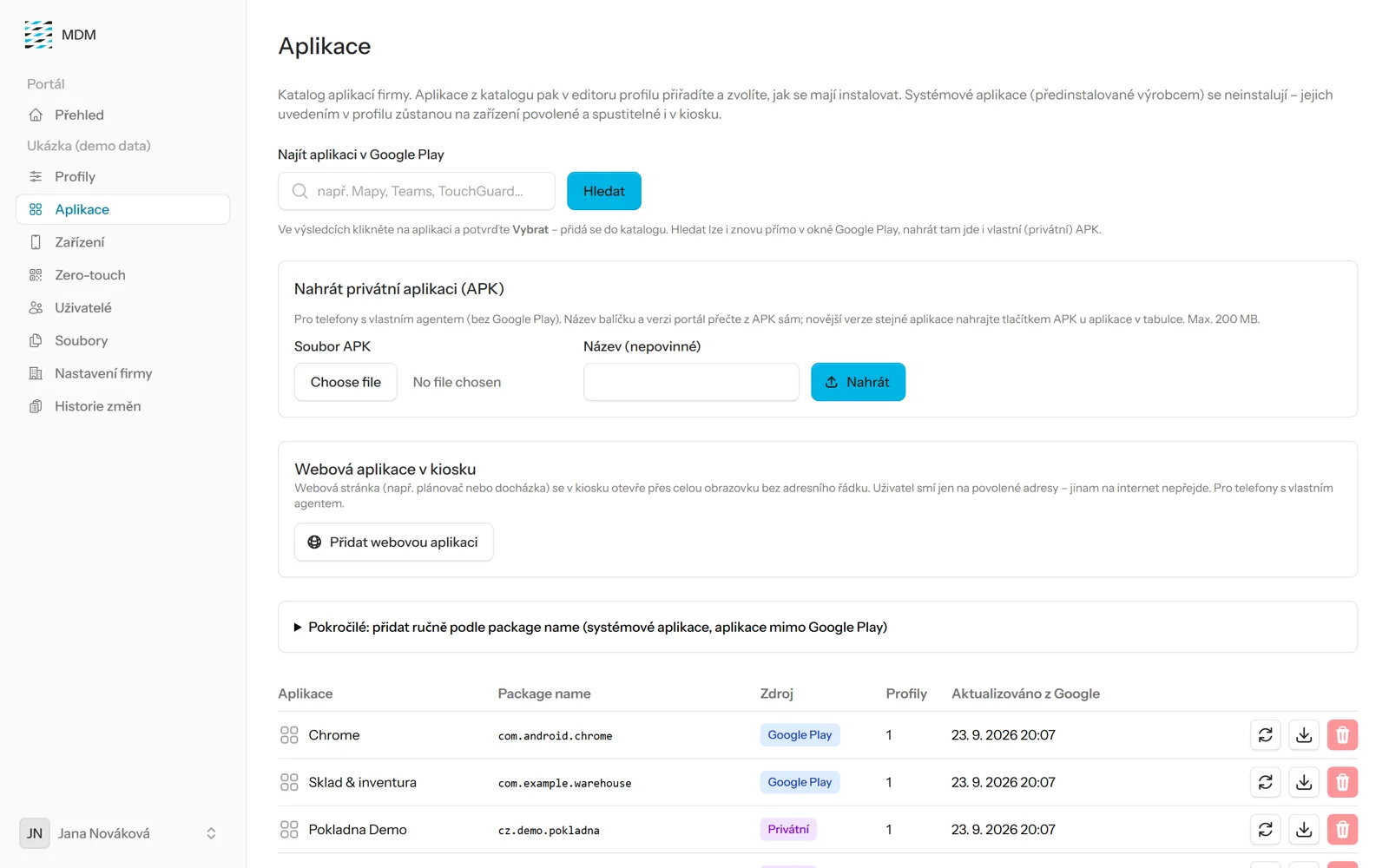
Public and corporate apps, silent installation and updates, app configuration via the console, and permissions (camera, location, etc.) set individually for each app.
Security
Three levels of screen lock, blocking phones that do not comply with the rules, protection against factory resets and safe mode, and system updates within a specified time frame.
Overview and Remote Commands
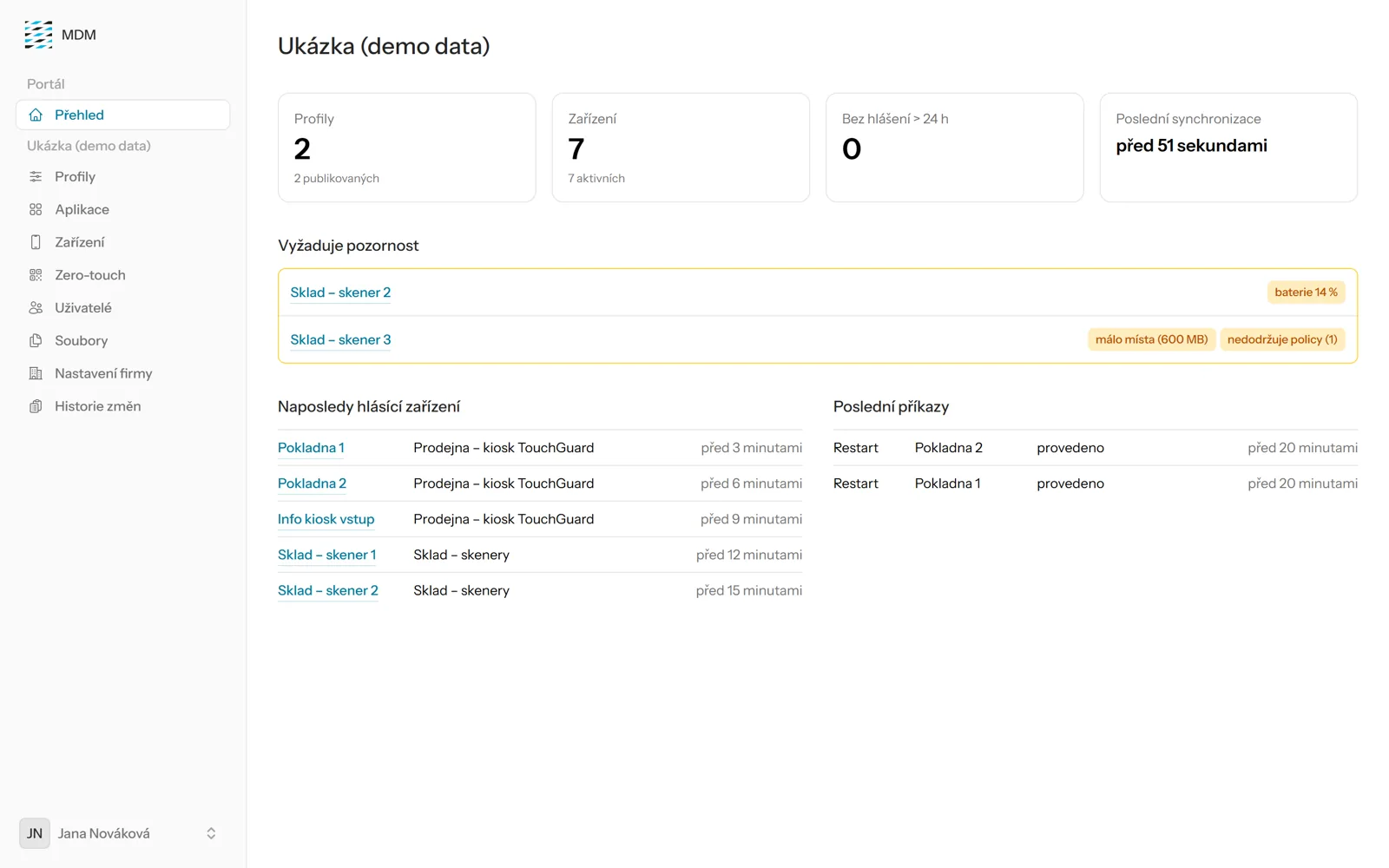
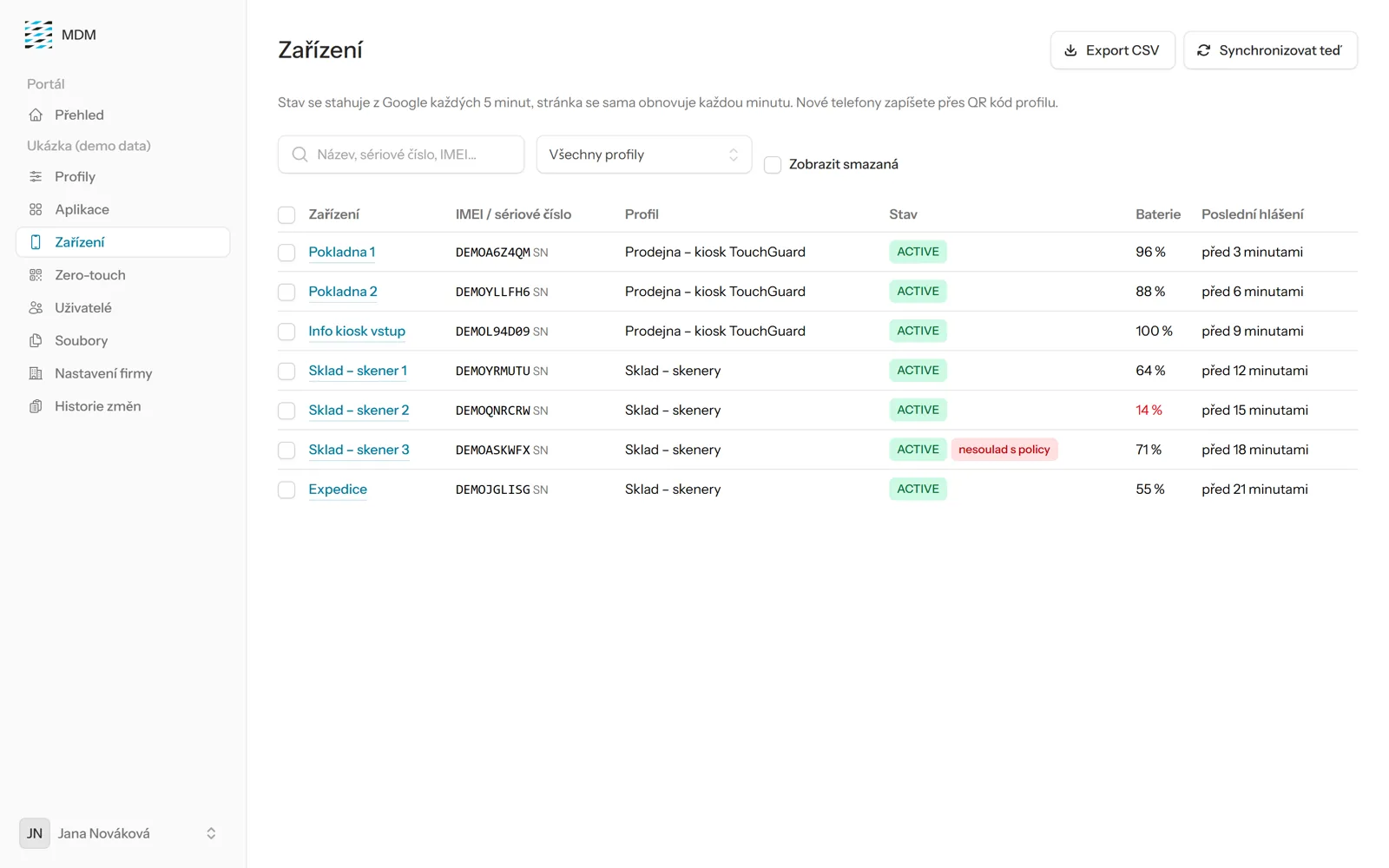
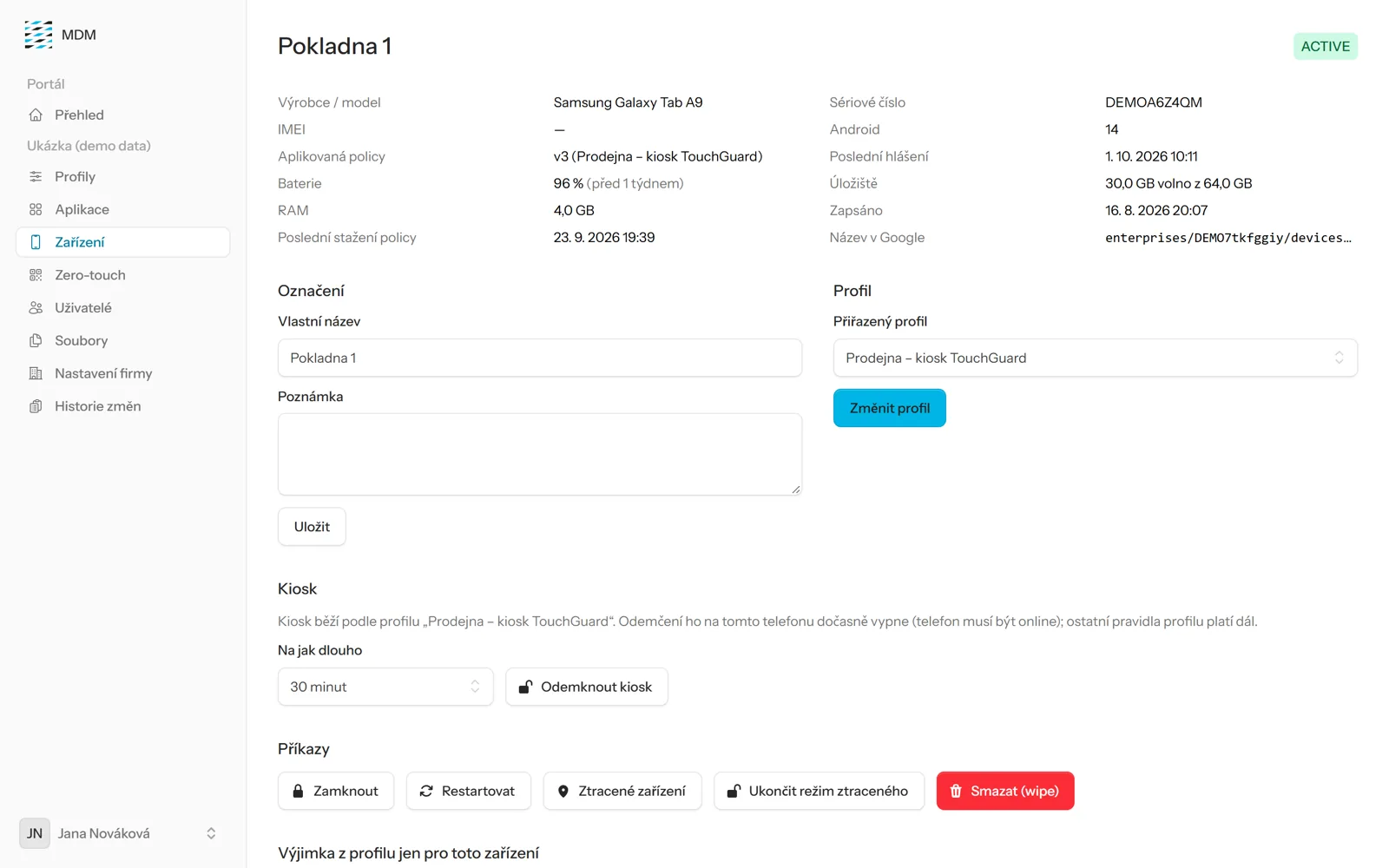
Battery, storage, apps, and compliance—all in one place; lock, restart, or wipe remotely; daily email alerts.
More Companies and Roles
Each customer has their own separate Google account and their own login (administrator, read-only), two-factor authentication, and a record of all changes.
Console
Easy-to-Use Management in Your Browser
How It Works
Three Steps to Managed Phones
We'll prepare
We'll set up your business and configure the profiles (kiosk, app, Wi-Fi, security).
You enroll
Scan the QR code, or we'll set up your phones for zero-touch.
You manage
Changes made in the console will be automatically applied to the phones without having to touch the devices.
On the phone
An employee sees only what they need to see
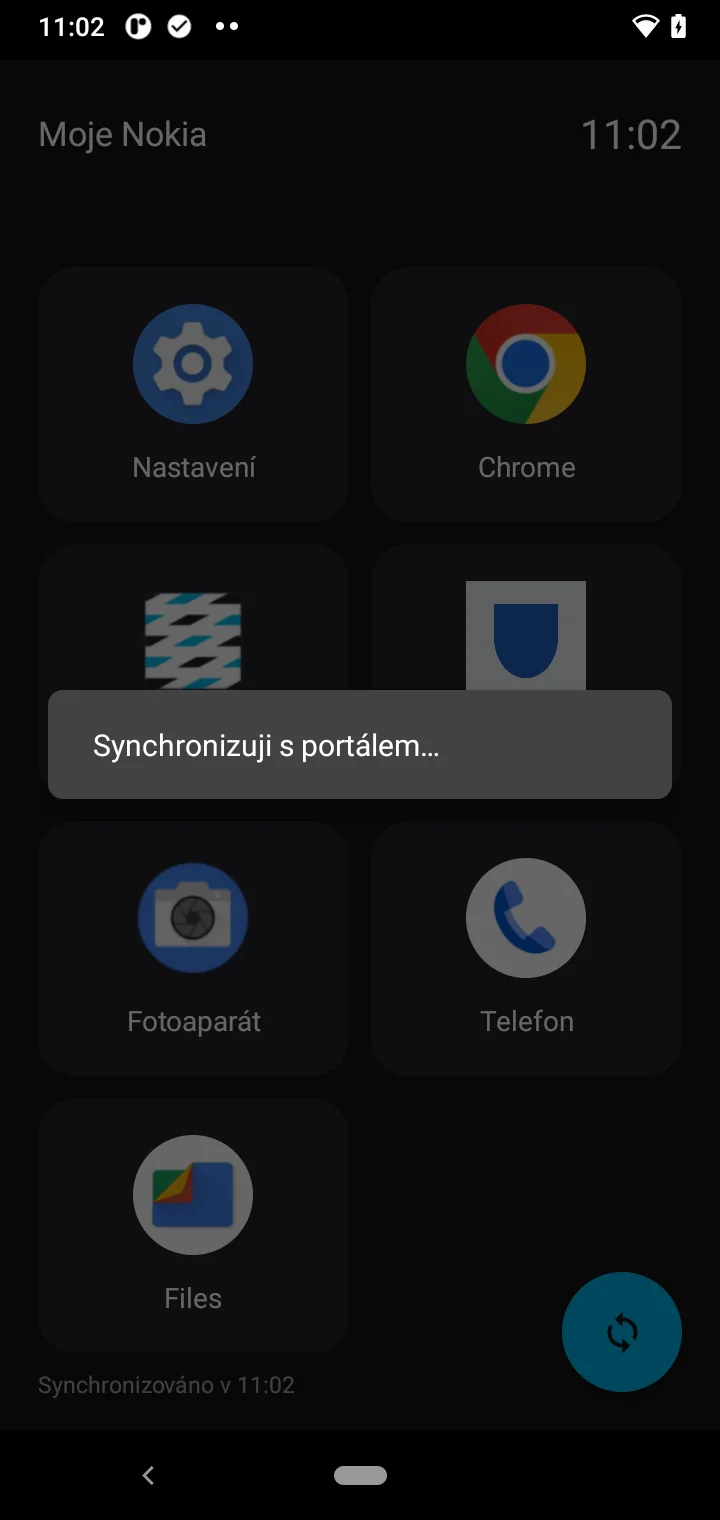
Employees can only see the apps that the company authorizes. The phone automatically downloads any changes made in the console.
- Area with Only Approved Apps
- Settings and apps will be added automatically
- Works on both standard and rugged phones

Your Data in the EU
The portal is hosted in a data center in the Czech Republic. The console does not collect phone locations, messages, or personal content —it only manages device settings, apps, and security. TTC apki holds ISO/IEC 27001 (information security) and ISO/IEC 20000 (IT service management) certifications.
Supported Devices
Android Enterprise-compatible phones and tablets—including rugged and intrinsically safe RugGear and ecom devices by Pepperl+Fuchs, which we distribute in the Czech Republic and Slovakia.
Price
Upon request —based on the number of devices and the scope of services (deployment, kiosk setup, support). The service can be purchased separately, without purchasing hardware.
Inquiry
Let us know how many devices you need to manage and what you need them for—we’ll get back to you with a quote.
- Email: sales@apki.cz
- Phone: +420 234 052 455
Technical support
For apki MDM customers:
- Email: podpora@apki.cz
- Phone: +420 234 052 212
- Business Hours: Mon–Fri 9:00 a.m.–4:00 p.m.
About us
TTC apki, s.r.o. is part of the TTC Group. Since 2013, we have been developing and operating TouchGuard—an app designed to ensure the safety of lone workers. We are a distributor of rugged devices from RugGear and ecom by Pepperl+Fuchs, and an authorized reseller of Android Zero-Touch.